Your ID photos.
On your iPhone.
Prepare passport, visa and ID photos with precise controls. Photo editing works offline, without an account or developer-operated photo upload service.
Version 1.2 preview: mixed-size print sheets and the additional custom-size workflow shown below are not yet publicly released. The App Store currently offers version 1.1. Updated October 20, 2026.
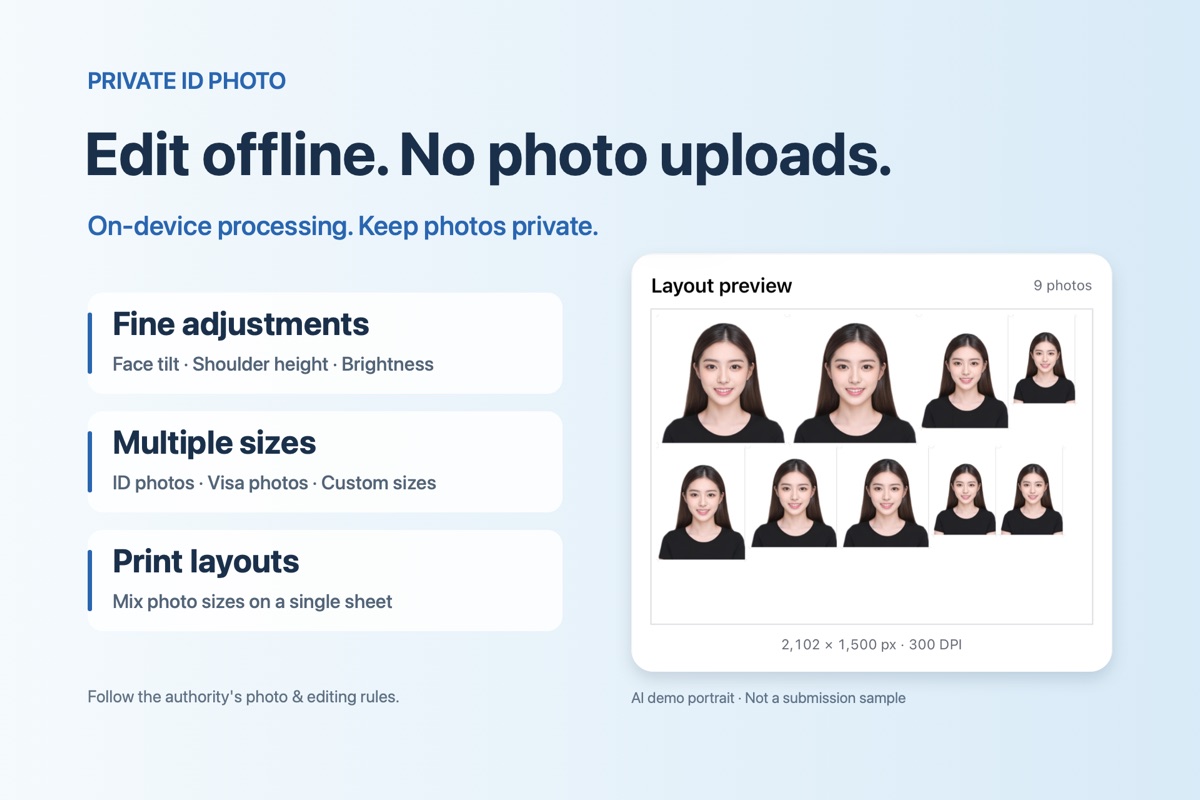
Keep photos local
Import, analyze, edit and preview on your device. No account or analytics SDK. Apple purchases and redemption require access to Apple services.
Fine adjustments
Adjust face tilt, shoulder height and brightness. Use only edits permitted by the authority receiving your photo.
Find the right size
Use passport and visa size references, or enter custom dimensions in 1.2. References are not certification or an acceptance guarantee.
Different photo sizes. One print sheet.
Combine recent projects or import originals, set a copy count for each item, and preview actual-size placement with cutting guides. Choose common paper sizes or enter your own. Imported originals stay unretouched in the layout workflow.
A 6-inch sheet can fit several photo sizes depending on dimensions, margins and quantities. It cannot fit every country’s requirements at once.
Before you prepare an application
Check your receiving authority’s current rules for dimensions, head size, background, expression, editing and printing. Some authorities prohibit geometry or background changes, or require a studio stamp or other certification. A preset cannot replace those rules.
What does it cost?
Editing and preview are free. Export requires IDPhoto VIP, available as a monthly subscription or a one-time lifetime purchase. Apple shows the available price and terms before you buy. Photo printing, postage and application fees are separate.
Can I use the demonstration portraits?
No. Marketing portraits are authorized AI examples, not application photos. Use an appropriate real photo of the applicant.